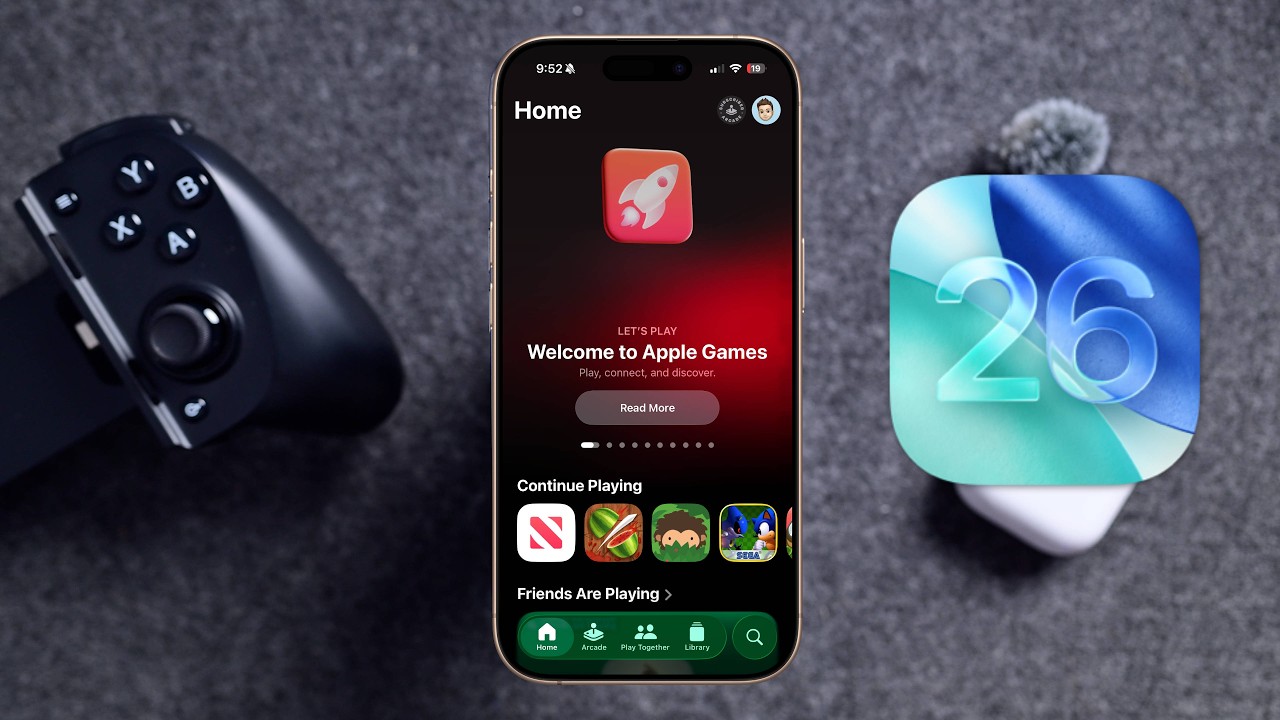
Apple has launched its newest public iOS beta. Specifically, this is the public beta for iOS 26.3, issued this week following the public rollout of iOS 26.2, with the complete update anticipated in early 2026. This new beta presents a few minor yet significant features that you can discover for yourself. Here’s how to proceed.
How to obtain the iOS 26.3 public beta
Apple provides its public betas for anyone with an iPhone to test. Simply enroll in the beta program. Here’s a detailed guide to acquiring the iOS 26.3 public beta on your iPhone:
1. Go to Apple’s beta website
2. Sign up for the beta program using your Apple ID
3. Log in and select “Enroll your iOS device”
4. On your iPhone, navigate to Settings, then General, then Software Update
5. Choose the iOS Public Beta and initiate the installation
New features in the iOS 26.3 public beta
After installation, you can check out the new features in iOS 26.3. Be aware that there are no significant alterations for the majority of Apple users. Nevertheless, there is an important update for those with non-Apple smartwatches or fitness trackers.
To begin with, Apple has made slight adjustments to the Wallpapers page, creating distinct sections for Weather and Astronomy. There are a few new Weather wallpapers offered, but other aspects remain constant.
Moreover, you can now direct notifications to a third-party wearable device instead of an Apple Watch. This is advantageous for those who prefer alternative wearables but wish to receive all iPhone notifications without having to check their phone. However, this feature is presently only accessible to users in the European Union, without any word on when it might reach U.S. iPhone users. This modification was required by the EU’s Digital Markets Act (DMA).
Finally, Apple and Google have joined forces to streamline the transition between an iPhone and an Android device. You can now position your iPhone next to a new Android device and wirelessly transfer messages, notes, photos, apps, and even your phone number. This method is simpler than the prior one, which necessitated downloading an app on both devices.